
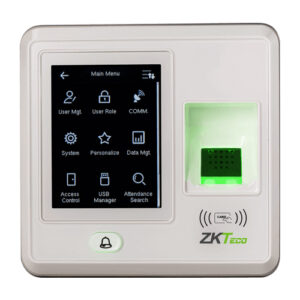
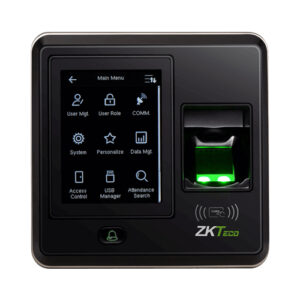
• SF300 Smart Fingerprint Attendance System3
  • SF300 Smart Fingerprint Attendance System2
  • SF300 Smart Fingerprint Attendance System1
  • SF300 Smart Fingerprint Attendance System

SF300 Smart Fingerprint Attendance System

SF300 Smart Fingerprint Attendance System

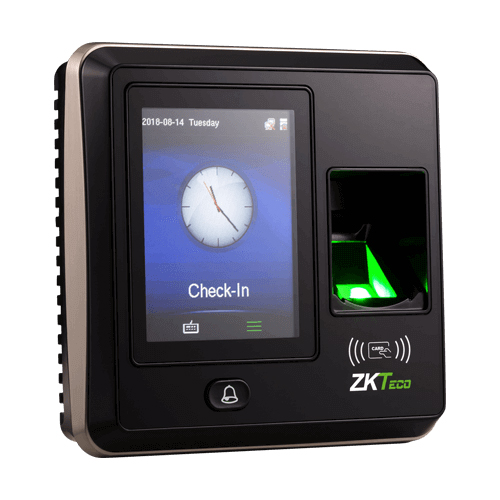
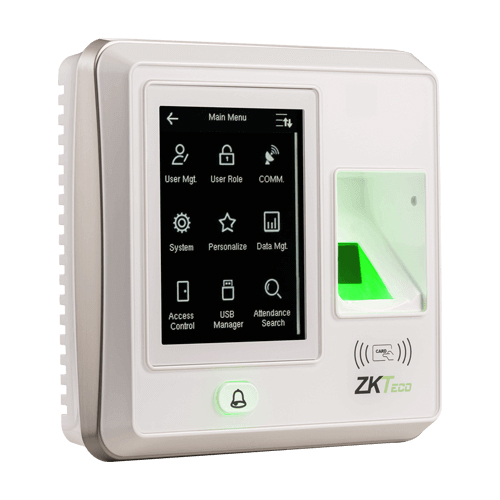
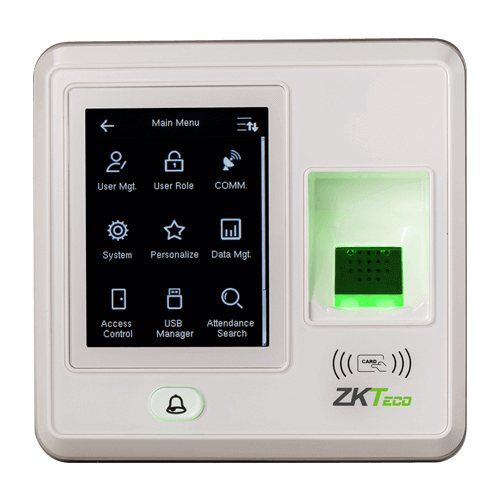
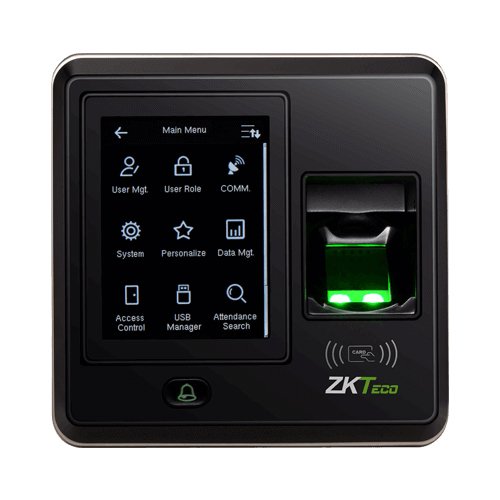
SF300 is an IP based fingerprint terminal, which operate in both network mode and standalone mode. it can connect with ZKAccess3.5 software for access control and time attendance management.

Download Datasheet

Brand:

Product Details

The SF300 is an IP based fingerprint terminal, which operate in both network mode and standalone mode. it can connect with ZKAccess3.5 software for access control and time attendance management.Wiegand output makes SF300 flexible to connect with ZKTeco or any 3rd party controllers as a slave reader, Additionally, wiegand input allows two units of SF300 to configure with each other and utilize Master & Slave solution, which requires user verification at both entrance and exit. Meanwhile, anti-passback function can be used to maximize the security.Auxiliary input interface allows SF300 to connect with an external source, for instance, a smoke detector or emergency switch. Once the linkage function is enabled through the machine menu, the device would generate an alarm signal and open the door in case of emergency.

Q1. What is the SF300 biometrics attendance terminal used for?

The SF300 is a fingerprint time & attendance and access control terminal for offices, schools, clinics, and SMEs, providing reliable fingerprint tracking and secure entry.

Q2. How many fingerprint templates can the SF300 store?

The SF300 supports several thousand fingerprint templates, suitable for small to medium businesses.

Q3. Does the SF300 support shifts, holidays, and attendance reports?

Yes, SF300 can be configured with shift schedules, holidays, and overtime rules for detailed attendance reports.

Q4. What communication interfaces does the SF300 offer?

The SF300 typically supports TCP/IP, RS485, and Wiegand interfaces for integration with door locks and attendance software.

Q5. Is the SF300 suitable for indoor office environments?

Yes, the SF300 is designed for indoor office, educational, and commercial environments.

Q6. How straightforward is user enrollment on the SF300?

User enrollment is simple: place your finger on the sensor multiple times until the device confirms successful capture.

Fingerprint attendance suitability check

Zahabi assesses your employee count and shift complexity for SF300 suitability.

SF300 network setup and software linkage

You receive help on connecting SF300 via TCP/IP or RS485 and integrating with attendance software.

Shift, holiday, and overtime configuration

Zahabi helps define shifts, holidays, and overtime rules for accurate attendance data.

Bulk user enrollment and capacity planning

We assist with bulk enrollment strategies and estimate fingerprint capacity for SF300.

Troubleshooting fingerprint and network issues

If you encounter slow reads or network problems, Zahabi walks you through sensor cleaning and network checks.

Multi‑site deployment standardisation

For businesses with multiple offices, Zahabi helps standardise SF300 configuration and plan deployment.

Tech Specs

Rating & Reviews

How We Can Help You

Wide Selection, Better Choices

Find products that match your exact needs without compromise.

Built for Performance

High-quality materials and tested reliability you can depend on.

Smartly Curated

Only the best products make it to our platform, saving you time and effort.

Customer-First Approach

Trusted by shoppers who value quality, service, and consistency.

Drivers, Manuals & Support

Zahabi Support

From drivers and manuals to diagnostic tools and replacement parts, Zahabi Product Support has you covered!

You may add any content here from XStore Control Panel->Sales booster->Request a quote->Ask a question notification

At sem a enim eu vulputate nullam convallis Iaculis vitae odio faucibus adipiscing urna.

Ask an expert
WhatsApp Us

Get quotation for this product