
- BARCODE
- Barcode Printing Solution
- Biometrics Attendance System
- Camera
- Document Scanner
- ID Cards
- Kiosk
- Mobile Computer
- POS Accessories
- POS Machines
- Price Checker Kios
- Printing Supplies
- RECEIPT PRINTER
- RFID & Hardware Solutions
- Tablet
- Uncategorized
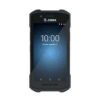
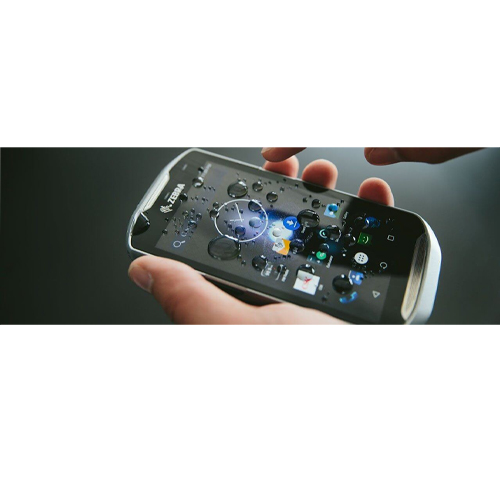
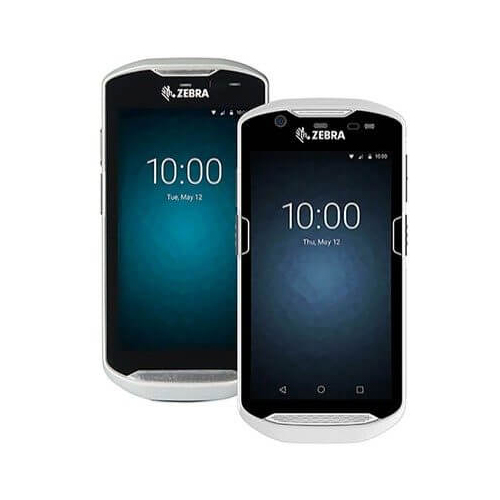
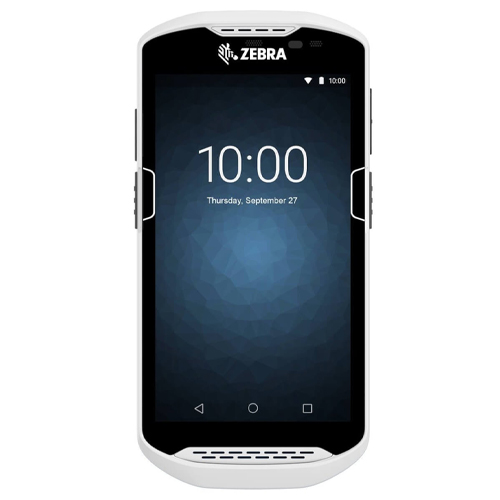
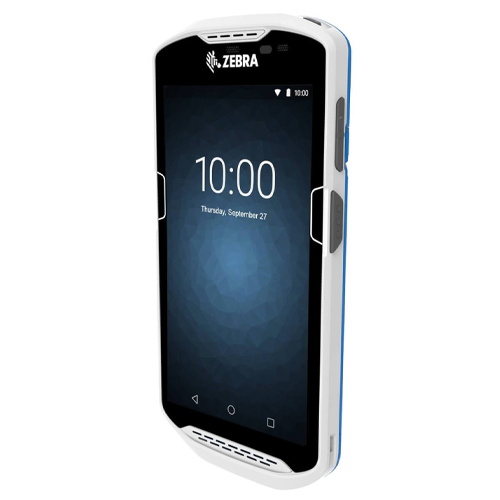
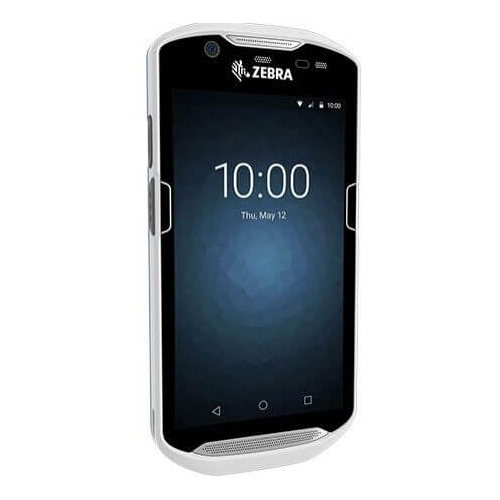
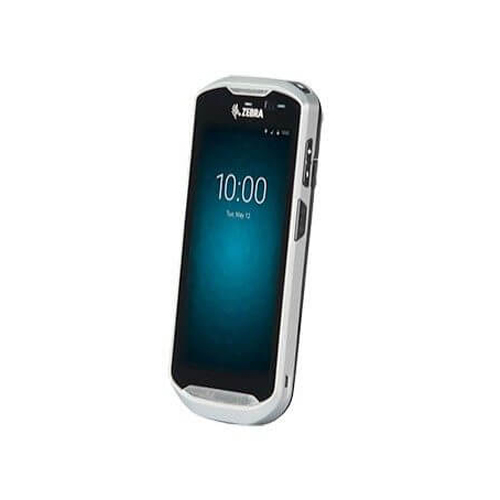
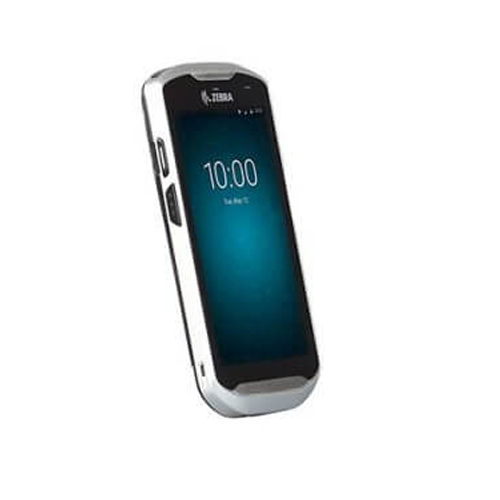
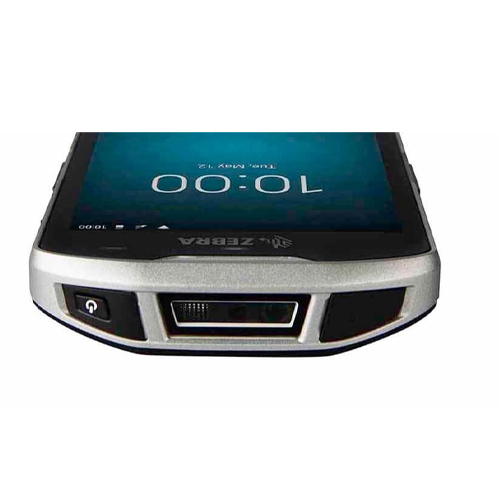
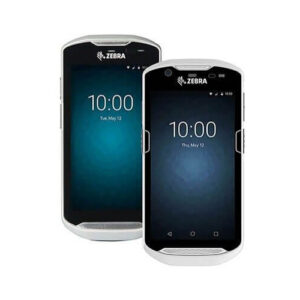
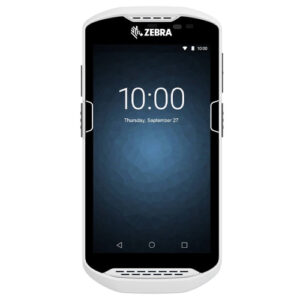
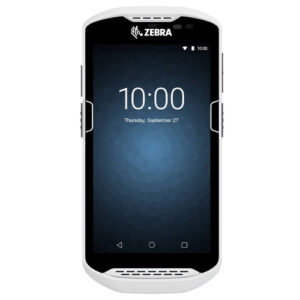
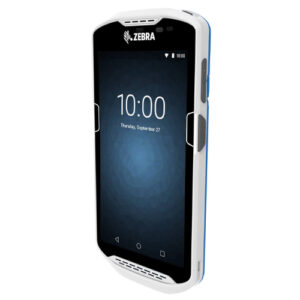
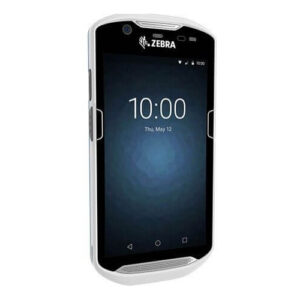
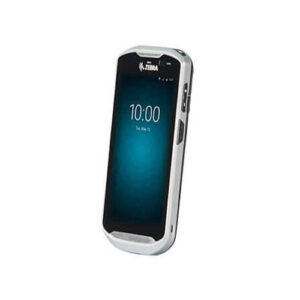
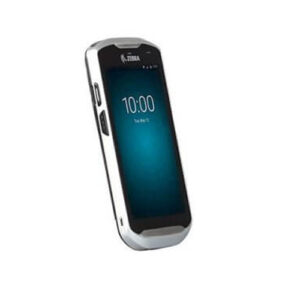
TC51 Android Touch POS Computer
TC51 Android Touch POS Computer
TC51 is a touch computer that is truly in a class of its own. Standard: 2GB RAM/16GB Flash Optional: 4GB RAM/32GB Flash
 Download Datasheet
Product Details
Q1. What sets the Zebra TC51 mobile computer apart from ET rugged tablets?
The Zebra TC51 is a legacy 4.7 – 4.8‑inch rugged Android handheld with built‑in barcode scanning, designed for intensive enterprise use in retail, healthcare, and warehousing. ET rugged tablets offer much larger screens and are better suited for workflows that prioritize visual dashboards and multitasking over pocketability.
Q2. Does the Zebra TC51 support barcode scanning and mobile data capture?
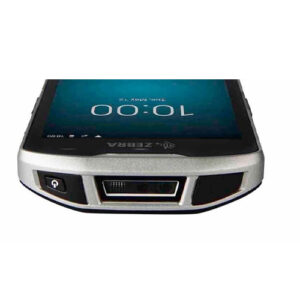
Yes, the TC51 includes an integrated high‑performance 1D/2D imager for fast barcode capture along with support for NFC on relevant configurations. This makes it suitable for inventory tasks, patient identification, and in‑aisle retail operations.
Q3. What operating system and apps run on the Zebra TC51?
The TC51 runs Android for enterprise, supporting a wide ecosystem of business apps including WMS, clinical workflows, and store operations tools. Zebra software utilities help manage OS versions and updates across installed fleets.
Q4. Can the Zebra TC51 be used for delivery tracking and workflow automation?
Yes, within supported connectivity options the TC51 can scan items, capture photos or notes, and sync with back‑office systems, making it usable for light delivery confirmation or internal logistics.
Q5. What is the battery life and charging options for Zebra TC51?
The TC51 is designed for full‑shift usage with a high‑capacity, removable battery and can leverage multi‑slot charge cradles and spare battery chargers. This allows 24/7 operations with proper battery rotation.
Q6. Does the Zebra TC51 support MDM and security management?
Yes, TC51 supports Android enterprise management and common MDM tools for remote configuration, app control, and security policy enforcement in regulated industries.
Device and Lifecycle Assessment for TC51
Review of current TC51 deployments, OS level, and performance versus requirements to decide on continued use, refresh, or mixed fleets with newer TC series.
Accessory and Replacement Planning for TC51
Assistance with sourcing cradles, batteries, and protective accessories to keep TC51 devices productive and extend their usable life.
OS and App Management on TC51
Support for updating Android builds where available, deploying business apps, and ensuring compatibility with your backend systems.
MDM Integration and Security Hardening for TC51
Alignment of TC51 settings with corporate security policies, including encryption, kiosk mode, app updates, and remote‑support tooling.
Operational Training and Transition Support
Training staff on best‑practice use of TC51 devices and planning gradual transitions to newer models with minimal disruption.
Tech Specs
Rating & Reviews
How We Can Help You

Wide Selection, Better Choices
Find products that match your exact needs without compromise.

Built for Performance
High-quality materials and tested reliability you can depend on.

Smartly Curated
Only the best products make it to our platform, saving you time and effort.

Customer-First Approach
Trusted by shoppers who value quality, service, and consistency.

Drivers, Manuals & Support
Zahabi Support
From drivers and manuals to diagnostic tools and replacement parts, Zahabi Product Support has you covered!
You may add any content here from XStore Control Panel->Sales booster->Request a quote->Ask a question notification
At sem a enim eu vulputate nullam convallis Iaculis vitae odio faucibus adipiscing urna.