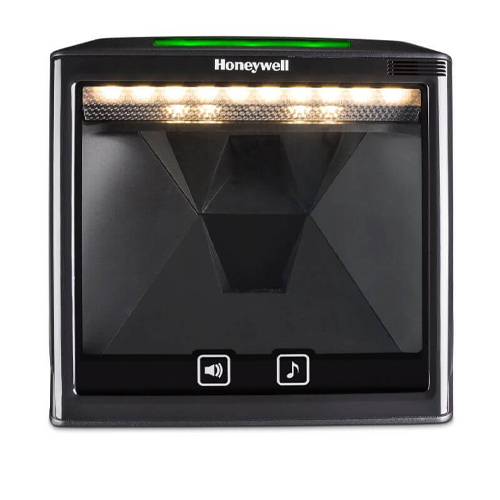
POS add-on accessory for retail counters including USB card reader used with POS systems for secure transactions

A POS system rarely works alone. What shapes daily speed, accuracy, and customer flow are the supporting devices around it. The right POS accessories turn a basic billing counter into a smooth, dependable operation. The wrong ones slow staff, create clutter, and introduce avoidable errors.

Retailers often invest heavily in POS terminals while treating accessories as an afterthought. In practice, accessories determine how efficiently teams work during busy hours and how comfortable customers feel at checkout.

Why POS Accessories Matter More Than Most Retailers Expect?

Accessories influence how quickly items are scanned, how clearly totals appear for customers, how reliably receipts print, and how securely cash is handled. They also shape counter organisation, cable management, and equipment lifespan. Thoughtful accessory selection reduces friction and keeps daily routines predictable.

How the Right Accessories Improve Checkout Flow?

The checkout flow depends on how naturally staff move between scanning, billing, payment, and receipt handling. A well-placed scanner reduces unnecessary hand movement. Fast printers prevent queue buildup during rush hours. Stable mounts keep counters organised and prevent accidental drops. Small ergonomic improvements often translate into visible speed gains and calmer staff performance.

6 Must-have POS Accessories in 2026

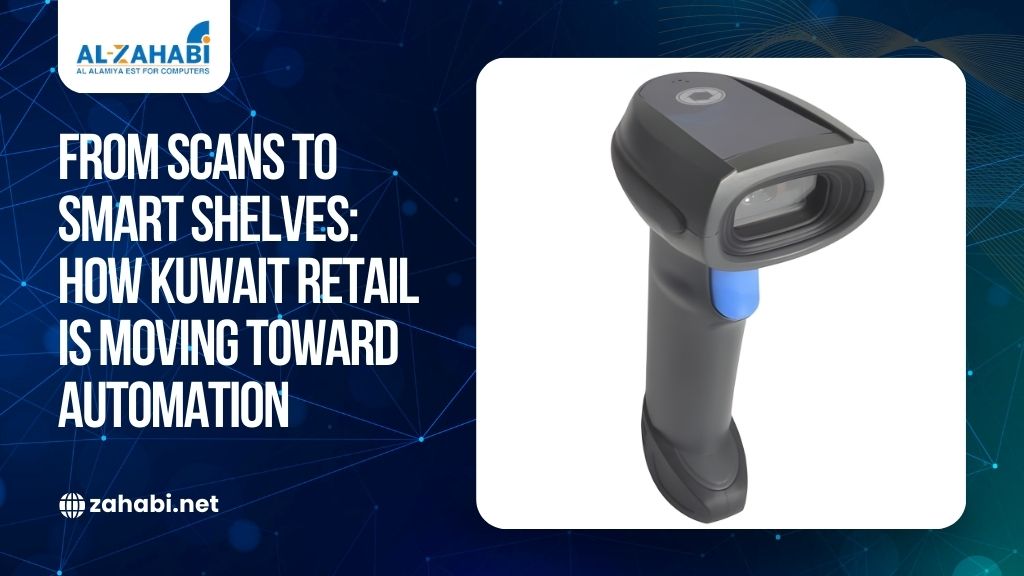
  1. Barcode Scanners

A scanner is usually the most active device at the counter.

What to look for in a barcode scanner?

  • Fast decoding speed for high traffic counters
  • Comfortable grip for extended use
  • Reliable scanning on damaged or curved labels
  • Wired or wireless flexibility based on layout
  • Compatibility with POS software and operating systems

Where barcode scanners add the most value?


Retail Use Benefit
Supermarkets Faster queue movement
Fashion stores Quick tag scanning
Pharmacies Accurate SKU capture
Electronics Serial number tracking


  1. Receipt Printers

Receipt printers directly affect transaction speed and customer satisfaction.

Key things to consider before you buy:

  • Print speed under peak load
  • Paper roll capacity to reduce reload frequency
  • Quiet operation for compact stores
  • Stable connectivity options
  • Low maintenance requirements

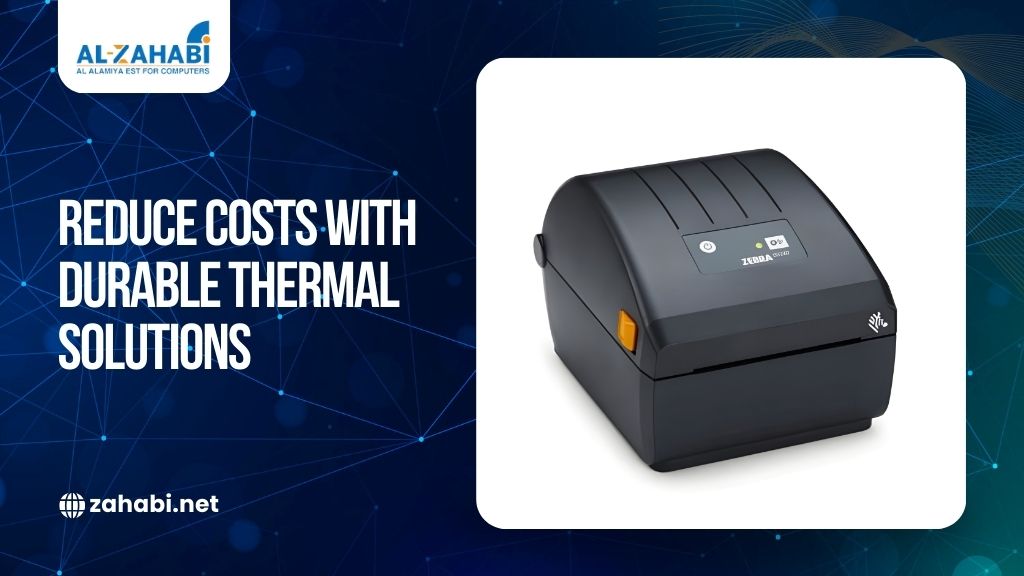
Thermal printers are commonly preferred for their speed and reliability.

  1. Cash Drawers

Even with rising digital payments, cash handling remains relevant in many stores.

How to choose the right cash drawer?

  • Strong build quality for daily use
  • Smooth opening mechanism
  • Adjustable compartments
  • Secure locking options
  • POS trigger compatibility

A dependable drawer improves security and cashier efficiency.

  1. Customer Display Screens

Customer-facing displays improve transparency and trust at checkout.

Benefits of customer displays

  • Clear price visibility
  • Reduced billing disputes
  • Opportunity for simple promotions
  • Increased customer confidence

Displays add professionalism without slowing transactions.

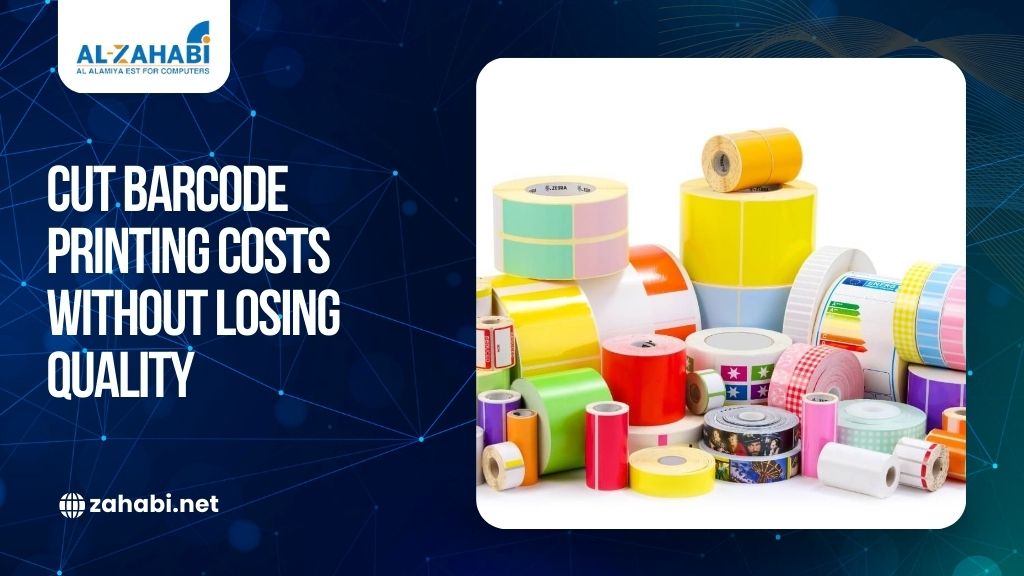
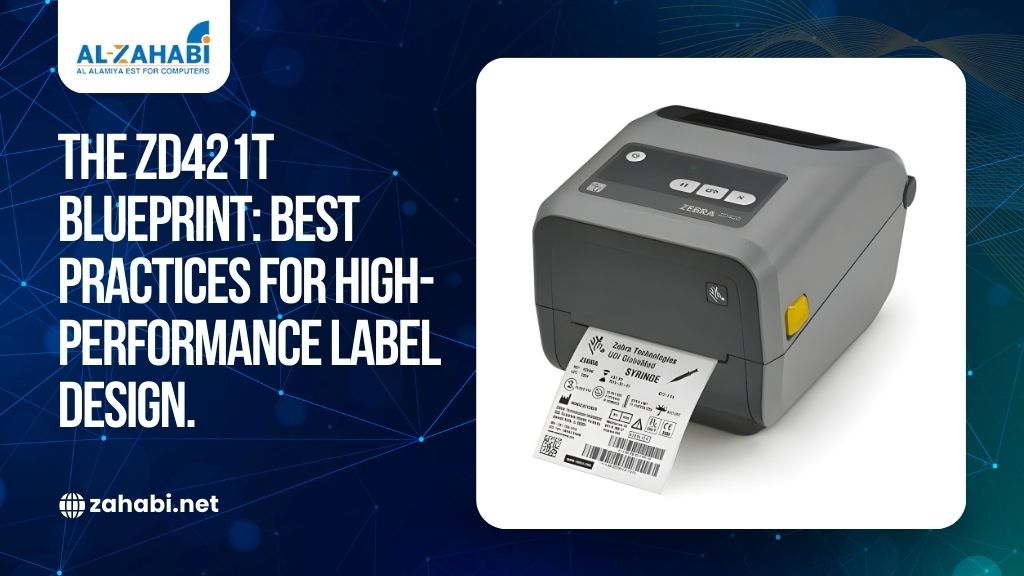
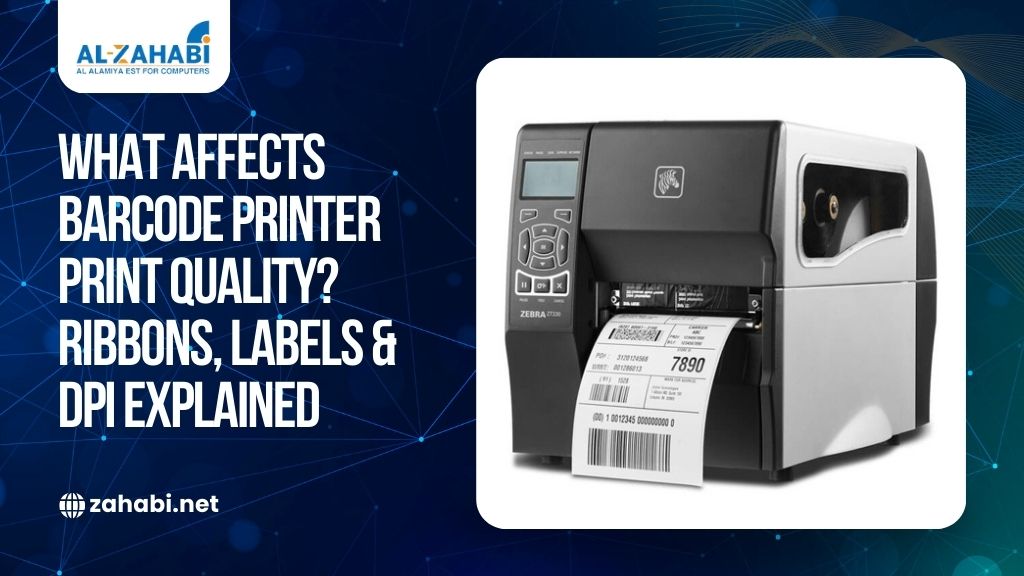
  1. Barcode Label Printers

Many retailers print shelf labels, price tags, and internal inventory labels.

When do label printers become essential?

  • Frequent price updates
  • Private label packaging
  • Stock room organisation
  • Promotional campaigns

Consistent labeling improves inventory accuracy and visual consistency.

  1. Payment Terminals and Mounts

Payment devices should be positioned securely and comfortably.

What should you consider when choosing this device?

  • Stable mounting solutions
  • Cable protection and routing
  • Easy customer accessibility
  • Integration compatibility
  • Durability under heavy usage

Proper mounting reduces wear and improves transaction flow.

6. Power Backup and Cable Management

Small infrastructure elements protect business continuity.

Supporting infrastructure that protects operations


Component Purpose
UPS Prevents billing interruptions
Surge protectors Equipment protection
Cable organizers Reduces clutter
Secure mounts Prevents damage

Common Mistakes When Selecting POS Accessories

Retailers often focus on individual devices instead of how the full setup works together. The most common mistakes include:

  • Buying accessories without confirming compatibility with the POS system and operating software
  • Selecting mounts or stands that do not fit the counter layout or working height
  • Underestimating daily usage and choosing light-duty devices for high-traffic counters
  • Ignoring cable management leads to cluttered and unsafe workspaces
  • Overlooking power backup and surge protection needs
  • Choosing devices without local service or spare part availability
  • Mixing too many brands and models complicates maintenance and support
  • Failing to plan for future expansion or additional counters

Avoiding these missteps keeps operations stable, reduces replacement costs, and protects long-term performance.

How Should POS Accessories Work Together as One System?

Accessories perform best when selected as a connected setup rather than isolated purchases. Planning them together reduces integration issues and improves long-term reliability.

Practical Tips for Building a Connected POS Setup

  • Confirm that all devices support the same operating system and driver versions
  • Check available ports and power capacity before adding new peripherals
  • Standardise brands or models where possible to simplify maintenance
  • Ensure mounts, stands, and cable routes do not block staff movement
  • Leave space and power headroom for future expansion
  • Test the full setup before live rollout to catch compatibility gaps
  • Document wiring and configurations for faster troubleshooting
  • Maintain spare consumables and backup devices for critical accessories

These small planning steps prevent bottlenecks, reduce downtime, and make future upgrades easier to manage.

How to Prioritise POS Accessories for Your Store?

Not every accessory needs to be installed on day one.

Tips to smartly prioritize your POS accessories:

  • Start with high-impact accessories first
  • Match equipment to counter size and layout
  • Consider transaction volume
  • Plan for future expansion
  • Maintain spare consumables

Balanced planning keeps investments practical and scalable.

How We Help Retailers Build Reliable POS Setups?

At Zahabi, we help retailers select POS accessories that match workflow, space constraints, transaction volume, and long-term growth plans. The focus remains on reliability, ease of use, and operational stability rather than unnecessary complexity.

The right accessory mix quietly improves speed, accuracy, and customer confidence every day.

FAQs

  1. Which POS accessories are essential for small retail stores?
    Barcode scanners, receipt printers, and cash drawers form the basic setup.
  2. Are wireless scanners better than wired?
    Wireless offers flexibility, while wired provides consistent stability.
  3. Do all stores need customer display screens?
    They improve transparency but are optional depending on store format.
  4. How often should receipt printers be replaced?
    Typically, every three to five years, depending on usage.
  5. Can POS accessories integrate with any POS system?
    Compatibility should always be verified.
  6. Does Zahabi supply POS accessories in Kuwait?
    Yes. We supply and integrate POS accessories with local service support.

Leave a Reply

Your email address will not be published. Required fields are marked *