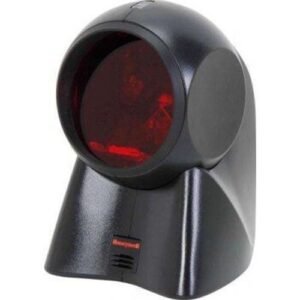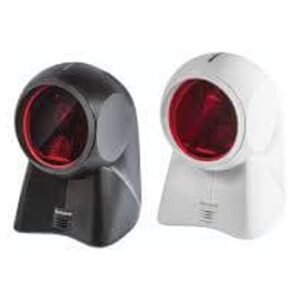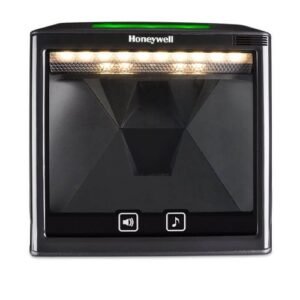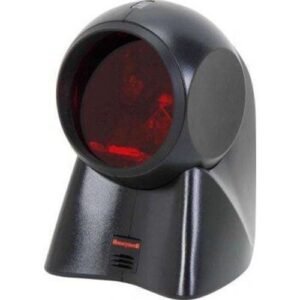
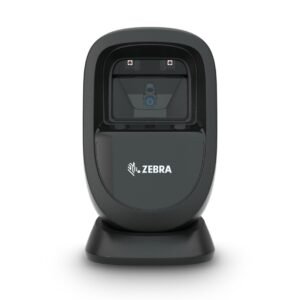
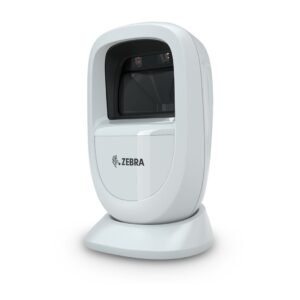
Zebra – DS9308 Hands-Free Barcode Scanner with USB
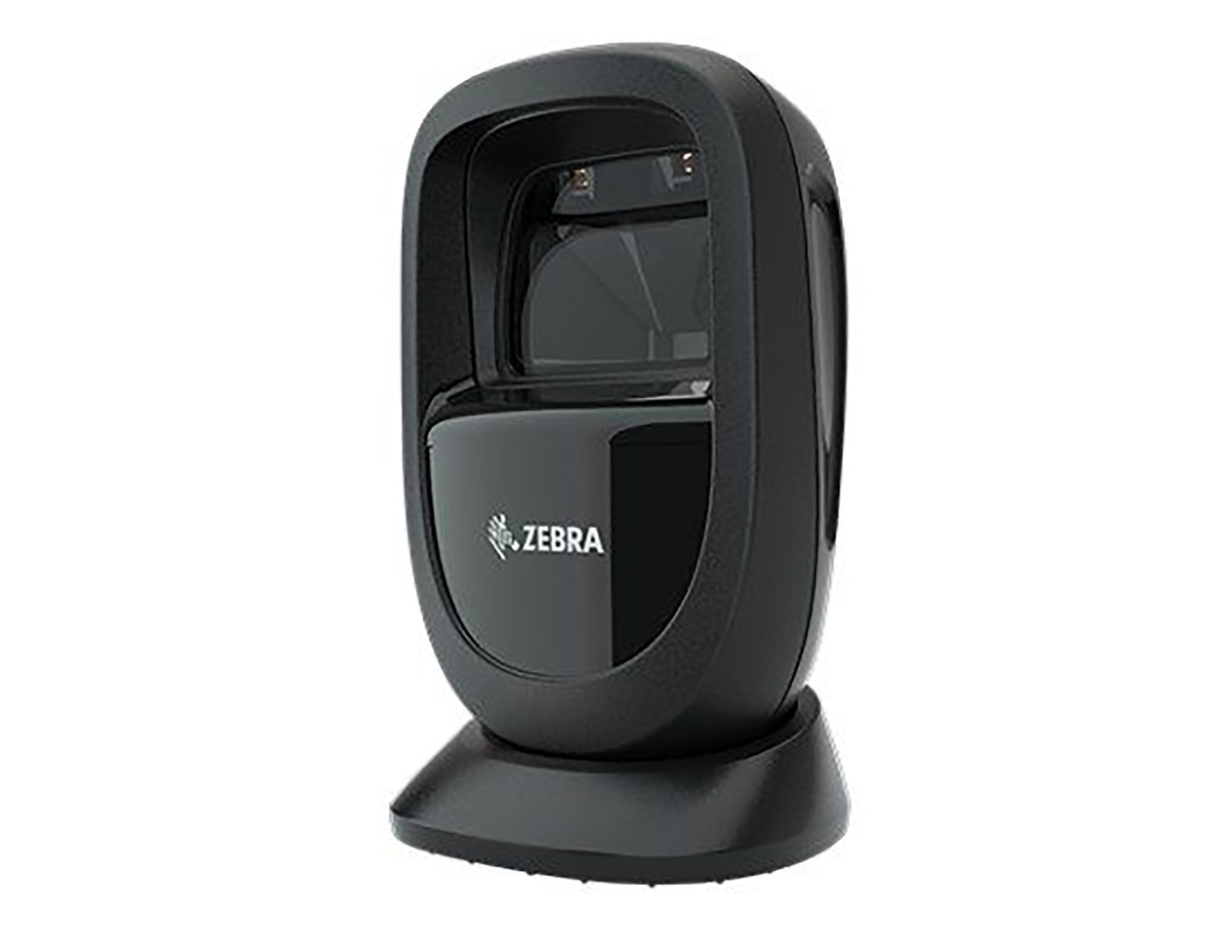
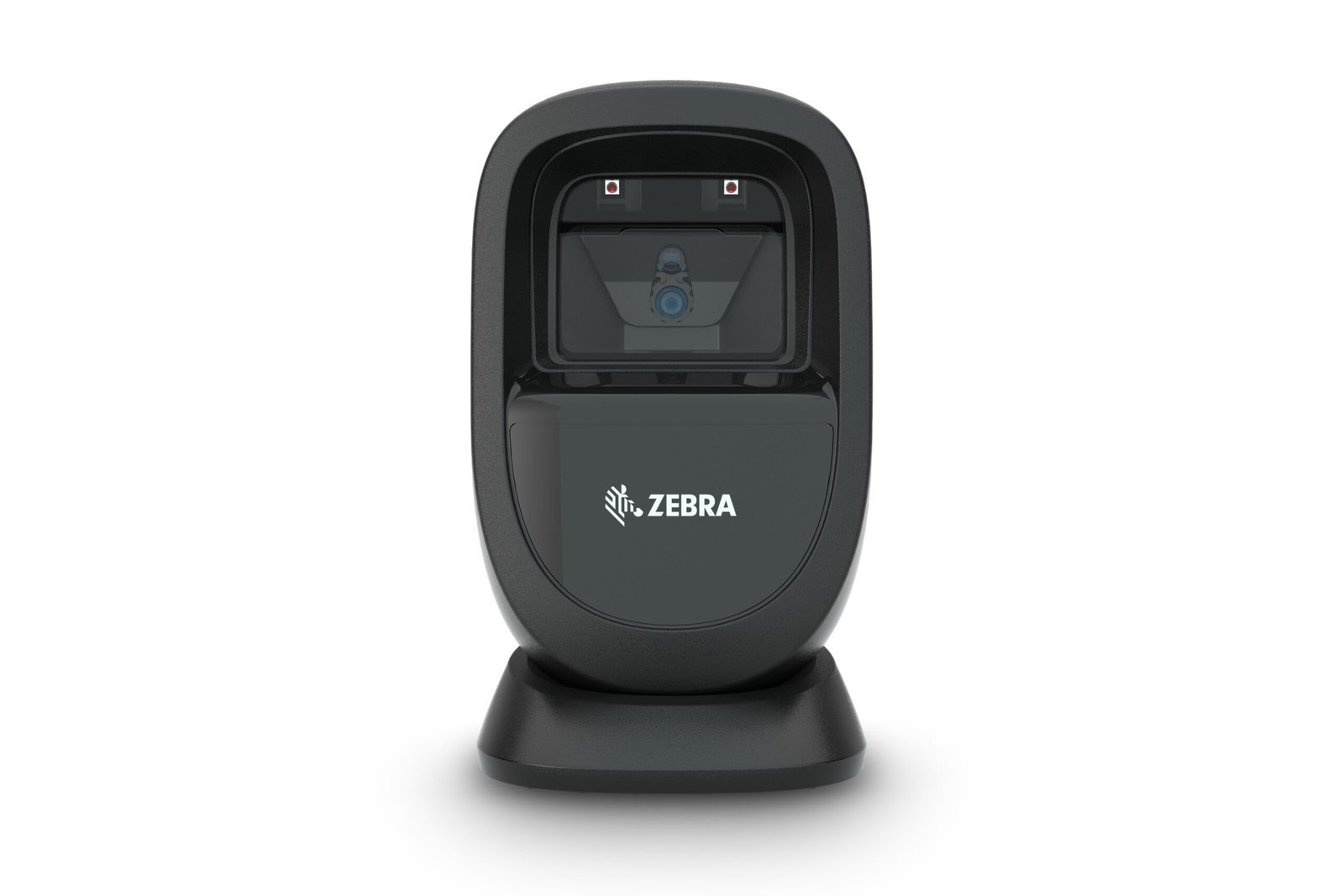
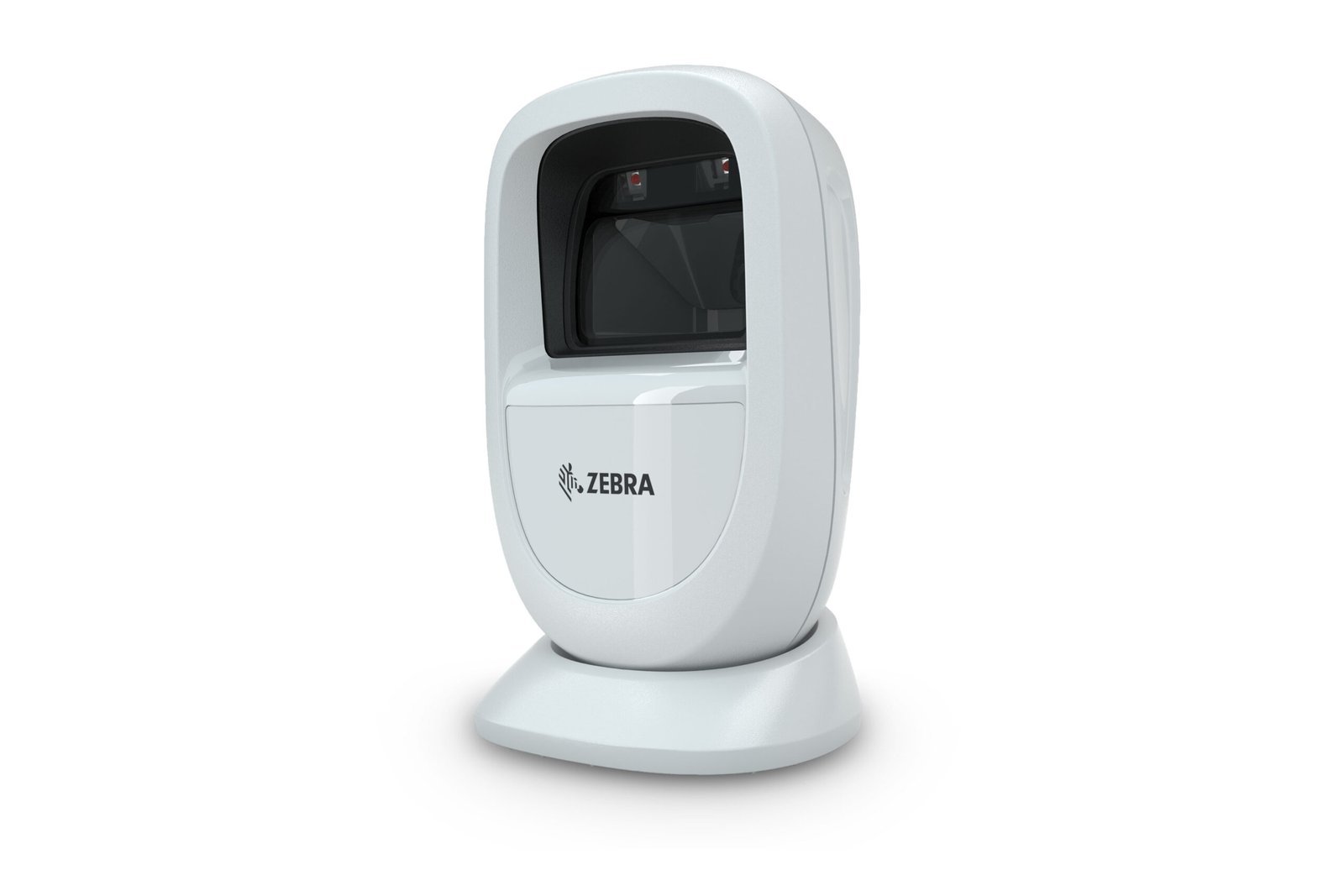
Zebra DS9308 1D/2D Presentation Scanner
Zebra DS9308 1D/2D Presentation Scanner, a technological marvel designed to redefine your scanning experience. This presentation scanner combines cutting-edge features with unparalleled performance, making it an ideal solution for businesses seeking advanced scanning capabilities in a compact and user-friendly package.
The Zebra DS9308 Scanner excels in both 1D and 2D barcode scanning, ensuring accuracy and efficiency in diverse applications. From retail point-of-sale transactions to inventory management, this scanner delivers reliable results, reducing errors and enhancing overall productivity.
Key Features:
- Versatile Scanning: The DS9308 effortlessly handles a wide range of barcodes, both 1D and 2D, providing flexibility across various industries and applications.
- Presentation Scanning: Designed for hands-free operation, this scanner excels in presentation scanning, streamlining checkout processes and improving customer service.
- Intelligent Image Capture: With advanced imaging technology, the DS9308 captures high-quality images, enabling quick and precise data capture even in challenging conditions.
- Compact and Modern Design: The scanner’s sleek and ergonomic design not only enhances aesthetics but also ensures ease of use and integration into different workspaces.
- User-Friendly Interface: Featuring an intuitive interface, the DS9308 minimizes training time for staff, ensuring a smooth transition to enhanced scanning capabilities.
Features and Capabilities
The DS9208 barcode scanner offers a range of features to enhance productivity:
- High Scanning Speed: With the highest scanning speed in the world, the DS9208 ensures efficient and rapid barcode reading.
- Versatility: Capable of scanning any code, whether 1D or 2D, on printed labels, mobile phones, gift cards, boarding passes, and more.
- Ease of Use: No need to align the barcode and scanner, providing easy, error-free scanning. It supports both manual and hands-free operation.
Product Specification:
- Model: DS9208
- Brand: Zebra
- Dimensions: 14.0 cm (H) x 8.21 cm (W) x 8.0 cm (D) / 5.512 in. (H) x 3.232 in. (W) x 3.150 in. (D)
- Weight: 269 g / 9.5 ounces
- Operating Temperature: 0°C to 40°C / 32°F to 104°F
- Humidity: 5% to 85% RH (non-condensing)
- Graphic Formats: Exportable as bitmap, JPEG, or TIFF
- Voltage and Current: – Standby: 5 ± 10% VDC at 150 mA avg. – Scanning: 5 ± 10% VDC at 230 mA avg.
- Color: Midnight Black
- Light Source:- Targeting Pattern: Single-point 625 nm LED – Illumination: 630 nm LED
- Image Generator Field of View: 46° horizontal x 29.5° vertical
- Swipe Speed: Up to 2.3 m/90 in. per second
- Warranty: Subject to Zebra’s hardware warranty statement, the DS9208 is warranted against defects for three years from the date of delivery.
Q1. What is the Zebra DS9208 barcode scanner used for?
The Zebra DS9208 is an omnidirectional, hands‑free presentation scanner designed for retail POS, pharmacies, labs, and reception desks. It scans both 1D and 2D barcodes from printed labels and electronic screens without needing precise alignment.
Q2. Which barcode types does the DS9208 support?
The DS9208 reads 1D, 2D, and PDF417 barcodes, covering retail product codes, loyalty and membership cards, tickets, and QR‑based promotions. This allows a single compact scanner to handle a wide variety of codes at the counter.
Q3. Can the DS9208 scan barcodes from phones and tablets?
Yes, it is designed to scan barcodes displayed on mobile phones, tablets, and computer screens as well as those printed on paper and labels. This makes it ideal for e‑wallets, mobile coupons, and app‑based loyalty programmes.
Q4. Is the DS9208 only hands‑free, or can it be used as a handheld scanner?
The DS9208 supports both hands‑free presentation mode and handheld mode. Staff can simply pick up the scanner when needed for larger or awkward items and then return it to its stand for normal hands‑free operation.
Q5. Is the DS9208 compact enough for small checkout counters?
Yes, the DS9208 has a “fit‑anywhere” compact footprint designed for space‑constrained environments and design‑conscious retail counters. Its sleek form factor helps keep POS areas tidy while still providing high‑performance scanning.
Q6. How durable is the DS9208 for daily use?
The DS9208 is rated to withstand drops of around 1.5 m and is built for everyday POS duty. Its spherical exit window and imaging design help maintain performance in demanding retail and service environments.
Presentation scanner fit and counter layout review
Zahabi reviews your checkout or front‑desk layout and workload to confirm how many DS9208 units you need and where to place them for maximum throughput and operator comfort.
Installation, cabling, and host configuration
You get guidance on connecting the DS9208 to POS terminals or PCs, selecting the appropriate interface (USB, keyboard wedge, etc.), and applying config barcodes so it integrates cleanly with your POS software.
Optimization for mixed printed and digital scanning
Zahabi helps tune angle, working distance, and beeper/LED settings so the DS9208 can quickly read both printed labels and on‑screen QR codes in real‑world lighting conditions.
Troubleshooting performance and window issues
If you see missed scans, reflections, or performance drops, Zahabi will walk you through cleaning the spherical window, checking ambient light, and adjusting settings to restore strong omnidirectional scanning.
Workflow design for hands‑free plus handheld use
Support includes advice on when to rely on pure presentation mode versus picking up the scanner, helping cashiers and reception staff work faster with fewer repetitive movements.
Multi‑store deployment and spare strategy
For chains and clinics, Zahabi can standardise DS9208 configurations, label devices per station, and recommend spare‑unit levels so every counter in every branch maintains scanning capability.
Q1. What is the Zebra DS9208 barcode scanner used for?
The Zebra DS9208 is an omnidirectional, hands‑free presentation scanner designed for retail POS, pharmacies, labs, and reception desks. It scans both 1D and 2D barcodes from printed labels and electronic screens without needing precise alignment.
Q2. Which barcode types does the DS9208 support?
The DS9208 reads 1D, 2D, and PDF417 barcodes, covering retail product codes, loyalty and membership cards, tickets, and QR‑based promotions. This allows a single compact scanner to handle a wide variety of codes at the counter.
Q3. Can the DS9208 scan barcodes from phones and tablets?
Yes, it is designed to scan barcodes displayed on mobile phones, tablets, and computer screens as well as those printed on paper and labels. This makes it ideal for e‑wallets, mobile coupons, and app‑based loyalty programmes.
Q4. Is the DS9208 only hands‑free, or can it be used as a handheld scanner?
The DS9208 supports both hands‑free presentation mode and handheld mode. Staff can simply pick up the scanner when needed for larger or awkward items and then return it to its stand for normal hands‑free operation.
Q5. Is the DS9208 compact enough for small checkout counters?
Yes, the DS9208 has a “fit‑anywhere” compact footprint designed for space‑constrained environments and design‑conscious retail counters. Its sleek form factor helps keep POS areas tidy while still providing high‑performance scanning.
Q6. How durable is the DS9208 for daily use?
The DS9208 is rated to withstand drops of around 1.5 m and is built for everyday POS duty. Its spherical exit window and imaging design help maintain performance in demanding retail and service environments.
Presentation scanner fit and counter layout review
Zahabi reviews your checkout or front‑desk layout and workload to confirm how many DS9208 units you need and where to place them for maximum throughput and operator comfort.
Installation, cabling, and host configuration
You get guidance on connecting the DS9208 to POS terminals or PCs, selecting the appropriate interface (USB, keyboard wedge, etc.), and applying config barcodes so it integrates cleanly with your POS software.
Optimization for mixed printed and digital scanning
Zahabi helps tune angle, working distance, and beeper/LED settings so the DS9208 can quickly read both printed labels and on‑screen QR codes in real‑world lighting conditions.
Troubleshooting performance and window issues
If you see missed scans, reflections, or performance drops, Zahabi will walk you through cleaning the spherical window, checking ambient light, and adjusting settings to restore strong omnidirectional scanning.
Workflow design for hands‑free plus handheld use
Support includes advice on when to rely on pure presentation mode versus picking up the scanner, helping cashiers and reception staff work faster with fewer repetitive movements.
Multi‑store deployment and spare strategy
For chains and clinics, Zahabi can standardise DS9208 configurations, label devices per station, and recommend spare‑unit levels so every counter in every branch maintains scanning capability.
| 1D/2D | 1D, 2D |
|---|---|
| Connectivity | USB |
| Device Type | Fixed |
Related products