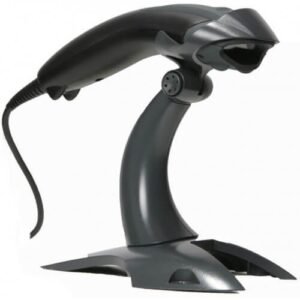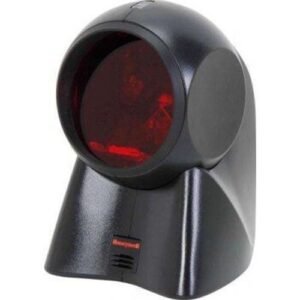
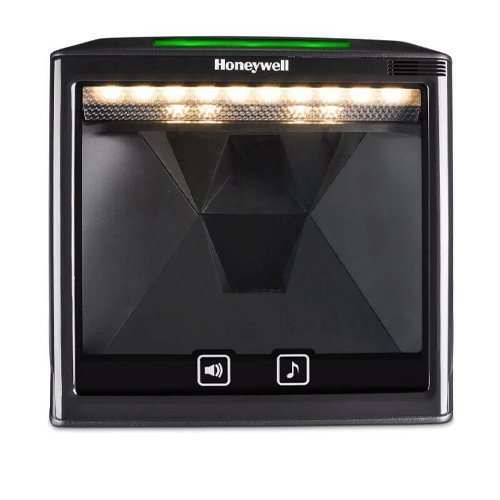
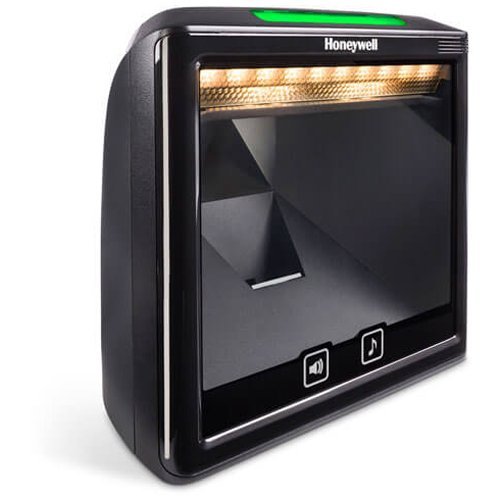
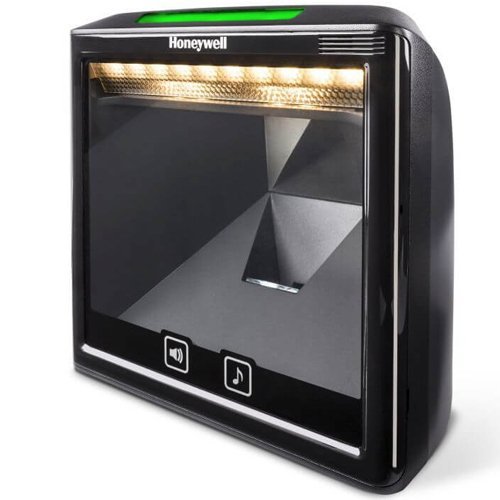
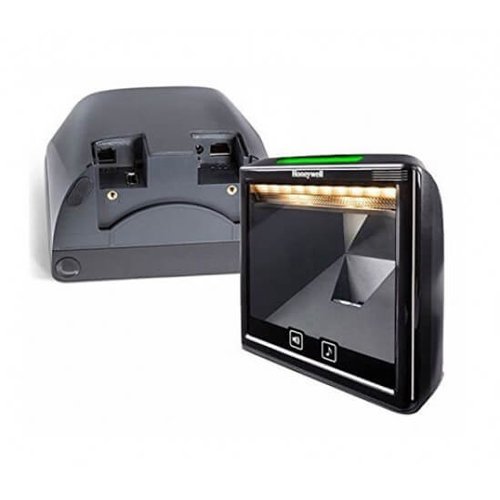
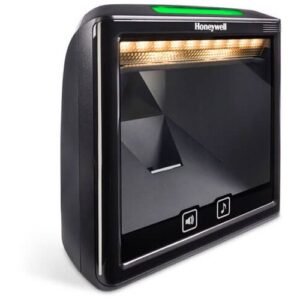
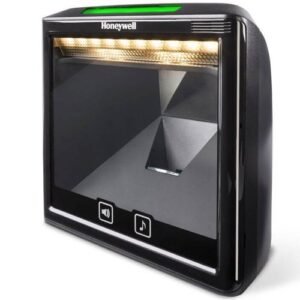
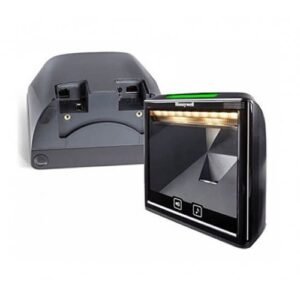
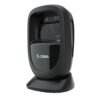
Honeywell Solaris 7980g Fixed Barcode Scanner
Modern design and powerful imaging capabilities, the Solaris 7980g fits easily into existing enclosures used in high-volume retail checkout environments
 Download Datasheet
Honeywell Solaris 7980g – USB Kit, 2D Imager, vertical Presentation Scanner. Includes USB cable
With its compact, modern design and powerful imaging capabilities, the Solaris 7980g fits easily into existing enclosures used in high-volume retail checkout environments such as convenience, drug, specialty, liquor and grocery stores. And you can buy the 7980g device as an omnidirectional 1D scanner. Then affordably upgrade it to a full 2D area-imager when you’:re ready.
Features:
- 2D Imaging Capabilities: Can read digital coupons from smartphone screens and printed ID cards, making it suitable for modern retail environments where digital interactions are common.
- Soft LED Illumination: Uses a soft, white LED light that eliminates glare without compromising scanning performance, enhancing user comfort.
- Upgradeable to Full Area-Imaging 2D Scanner: Initially available as a linear scanner, it can be upgraded to a full 2D scanner as business needs evolve, offering flexibility and investment protection.
- Ease of Installation: Features integrated Electronic Article Surveillance (EAS), power-over-USB, and an auxiliary USB port for additional scanner connectivity, simplifying setup and integration.
- User-Friendly Operation: Equipped with a capacitive touch button and intuitive LED indicators that face the user for easier interaction.
Specifications:
- Mechanical: Measures 148 x 152 x 85 mm and weighs 539g.
- Electrical: Operates with an input voltage of 5.0 to 5.2 V and various power consumption modes (operating, standby, and sleep).
- Environmental: Operates effectively in temperatures ranging from 0°C to 40°C and can withstand humidity levels from 5% to 95% non-condensing. It has an IP5X rating for dust protection.
- Scanning Performance: Features an area image scan pattern with a 1280 x 960 pixel array, capable of decoding 1D, PDF, 2D, Postal, and OCR symbologies. Offers motion tolerance of up to 3.0 m/s, ensuring rapid scanning suitable for busy retail settings.
- Warranty: Comes with a 3-year factory warranty.
Q1. What is the Honeywell 9780g presentation scanner used for?
The Honeywell 9780g is a fixed‑mount, hands‑free barcode scanner designed for high‑throughput retail checkout counters where cashiers quickly pass items through the scan zone.
Q2. Can the 9780g scan barcodes from mobile phones and loyalty apps?
Yes, the 9780g is capable of reading traditional 1D barcodes and many 2D barcodes from printed labels as well as mobile phone screens, depending on configuration.
Q3. How does a presentation scanner like the 9780g help speed up checkout?
Because the 9780g is always ready to scan, cashiers can use both hands to move items, reducing wrist strain and speeding up scanning in supermarkets and convenience stores.
Q4. Is the 9780g easy to integrate with my existing POS system?
The scanner connects via standard interfaces such as USB or RS‑232 and behaves like a typical POS barcode scanner, making integration straightforward with most retail POS software.
Q5. Does the 9780g support omnidirectional scanning?
Yes, the 9780g is designed to read barcodes at multiple angles, so staff do not need to carefully align each barcode with the scanner window.
Q6. Is the 9780g suitable for pharmacy and cosmetic counters?
Absolutely—its compact presentation design makes it ideal for pharmacy counters and cosmetics stores where space is limited but fast, hands‑free scanning is needed.
Counter integration and mounting advice
We help you decide where and how to mount or place the 9780g on your checkout counter for the best ergonomics and scan coverage.
POS configuration and testing
Our team assists with connecting the scanner to your POS, testing common barcodes and ensuring stable operation.
Sensitivity and performance tuning
We guide you on adjusting scanning sensitivity, beeper volume and sleep timers to fit your store’s environment.
Training staff on presentation scanning
We provide tips you can share with cashiers on how to move products through the scan zone efficiently and safely.
Multi‑lane deployment and standardization
For stores with many checkout lanes, we help you roll out uniform settings and document procedures so all 9780g scanners behave consistently.
Q1. What is the Honeywell 9780g presentation scanner used for?
The Honeywell 9780g is a fixed‑mount, hands‑free barcode scanner designed for high‑throughput retail checkout counters where cashiers quickly pass items through the scan zone.
Q2. Can the 9780g scan barcodes from mobile phones and loyalty apps?
Yes, the 9780g is capable of reading traditional 1D barcodes and many 2D barcodes from printed labels as well as mobile phone screens, depending on configuration.
Q3. How does a presentation scanner like the 9780g help speed up checkout?
Because the 9780g is always ready to scan, cashiers can use both hands to move items, reducing wrist strain and speeding up scanning in supermarkets and convenience stores.
Q4. Is the 9780g easy to integrate with my existing POS system?
The scanner connects via standard interfaces such as USB or RS‑232 and behaves like a typical POS barcode scanner, making integration straightforward with most retail POS software.
Q5. Does the 9780g support omnidirectional scanning?
Yes, the 9780g is designed to read barcodes at multiple angles, so staff do not need to carefully align each barcode with the scanner window.
Q6. Is the 9780g suitable for pharmacy and cosmetic counters?
Absolutely—its compact presentation design makes it ideal for pharmacy counters and cosmetics stores where space is limited but fast, hands‑free scanning is needed.
Counter integration and mounting advice
We help you decide where and how to mount or place the 9780g on your checkout counter for the best ergonomics and scan coverage.
POS configuration and testing
Our team assists with connecting the scanner to your POS, testing common barcodes and ensuring stable operation.
Sensitivity and performance tuning
We guide you on adjusting scanning sensitivity, beeper volume and sleep timers to fit your store’s environment.
Training staff on presentation scanning
We provide tips you can share with cashiers on how to move products through the scan zone efficiently and safely.
Multi‑lane deployment and standardization
For stores with many checkout lanes, we help you roll out uniform settings and document procedures so all 9780g scanners behave consistently.
| 1D/2D | 2D |
|---|---|
| Connectivity | USB |
| Device Type | Fixed |
Related products
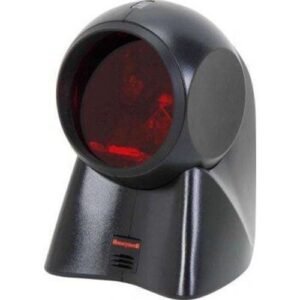
Honeywell MK7120 Orbit Laser Fixed Scanners
Original price was: 55,000 د.ك.39,900 د.كCurrent price is: 39,900 د.ك. Add to cart
Out of stock