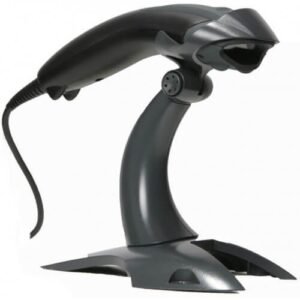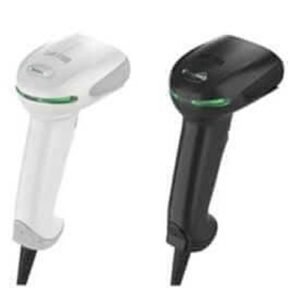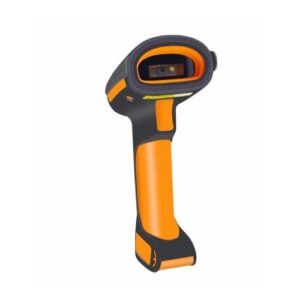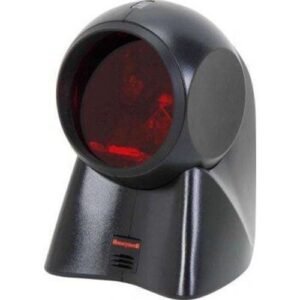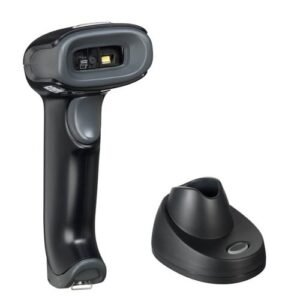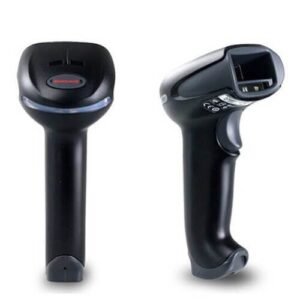
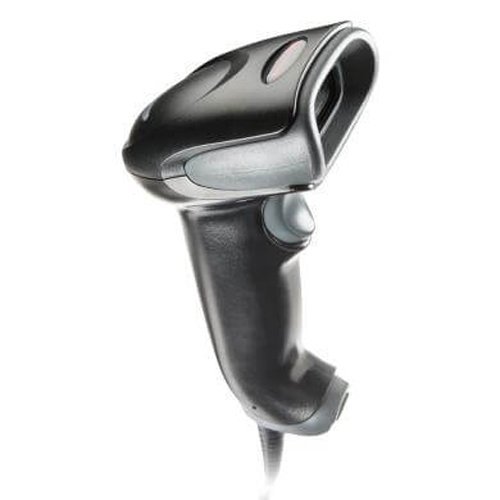
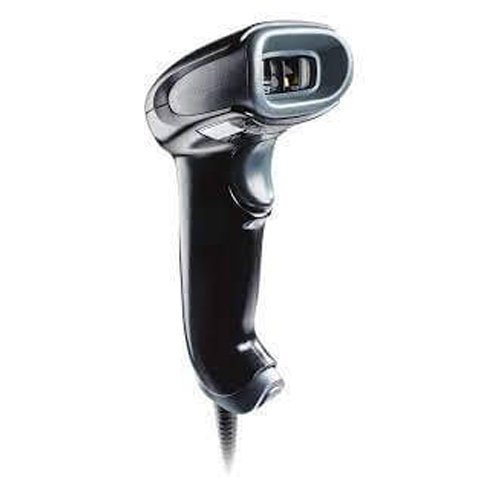
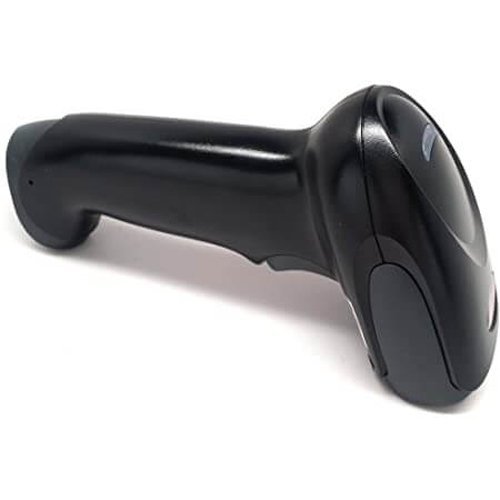
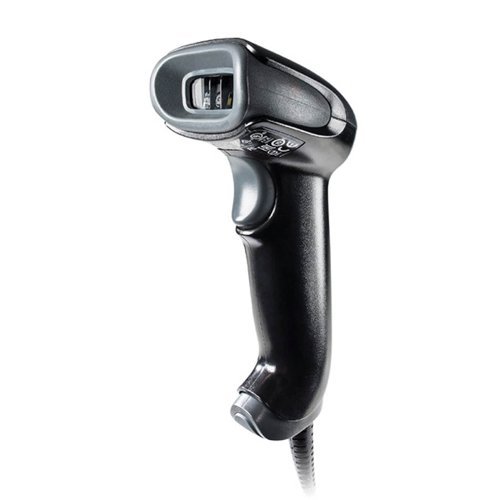
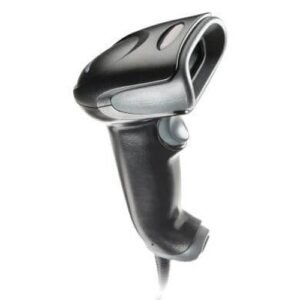
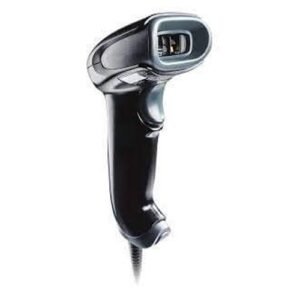
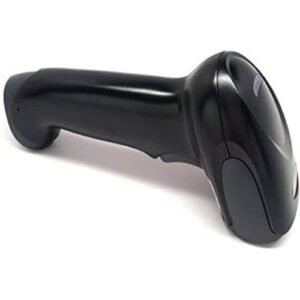
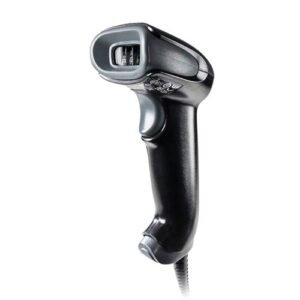
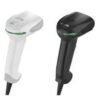
Honeywell Voyager XP 1470G
Extreme Performance (XP) 1470 series scanner for in-store retail workflows that require a highly accurate 1D/2D scanning solution in a durable form factor.
 Download Datasheet
Honeywell Xenon 1470 – USB kit, Honeywell Xenon 1470, 2D Imager, Standard Range. Includes 9′ straight USB cable. Color: Black.
We designed the Voyager™: Extreme Performance (XP) 1470 series scanner for in-store retail workflows that require a highly accurate 1D/2D scanning solution in a durable form factor. Trust it for industry-leading scanning capability on traditional barcodes and digital screens –: even on damaged and difficult-to-read codes.
Q1. What are the key benefits of the Honeywell Voyager XP 1470g scanner?
The Voyager XP 1470g is a general‑duty 2D barcode scanner designed for retail checkout and back‑office work, combining fast scanning, extended depth of field and strong performance on poor‑quality barcodes.
Q2. Can the Voyager XP 1470g scan QR codes and mobile wallet barcodes?
Yes, the 1470g can read 1D and 2D barcodes, including QR codes and digital barcodes from smartphone screens, making it perfect for loyalty apps, e‑coupons and mobile wallets.
Q3. Is the Voyager XP 1470g optimized for retail point‑of‑sale?
The ergonomic design, aggressive scan engine and compatibility with common POS interfaces make the 1470g ideal for supermarkets, specialty stores and pharmacies that need a dependable POS barcode scanner.
Q4. Does the 1470g support stand‑based hands‑free operation?
Yes, the Voyager XP 1470g can be paired with a stand and configured for hands‑free presentation mode, allowing cashiers to quickly pass items in front of the scanner without pulling the trigger.
Q5. How durable is the Voyager XP 1470g for everyday use?
The device is rugged enough to withstand repeated drops from typical counter heights and is built to survive heavy daily use in retail and light industrial settings.
Q6. What connectivity options does the 1470g offer?
The 1470g supports USB and other common POS interfaces, enabling seamless integration with Windows POS, thin clients and many cloud‑based POS platforms.
POS and ERP integration for 1470g
We guide you through connecting the Voyager XP 1470g to your POS system, choosing the correct interface and testing scans in your billing or inventory software.
Hands‑free mode configuration
Our team helps you configure stand detection and automatic scanning so your 1470g can switch between handheld and presentation modes as needed.
Optimization for mobile barcode scanning
We assist in tuning settings to improve reading of mobile QR codes and app‑based barcodes under bright store lighting.
Training for cashiers and staff
We provide simple usage tips and best practices you can share with staff to reduce mis‑scans and improve checkout speed.
Firmware and configuration backup
We help ensure your 1470g scanners run recommended firmware and show you how to back up configuration profiles for quick deployment to new devices.
Q1. What are the key benefits of the Honeywell Voyager XP 1470g scanner?
The Voyager XP 1470g is a general‑duty 2D barcode scanner designed for retail checkout and back‑office work, combining fast scanning, extended depth of field and strong performance on poor‑quality barcodes.
Q2. Can the Voyager XP 1470g scan QR codes and mobile wallet barcodes?
Yes, the 1470g can read 1D and 2D barcodes, including QR codes and digital barcodes from smartphone screens, making it perfect for loyalty apps, e‑coupons and mobile wallets.
Q3. Is the Voyager XP 1470g optimized for retail point‑of‑sale?
The ergonomic design, aggressive scan engine and compatibility with common POS interfaces make the 1470g ideal for supermarkets, specialty stores and pharmacies that need a dependable POS barcode scanner.
Q4. Does the 1470g support stand‑based hands‑free operation?
Yes, the Voyager XP 1470g can be paired with a stand and configured for hands‑free presentation mode, allowing cashiers to quickly pass items in front of the scanner without pulling the trigger.
Q5. How durable is the Voyager XP 1470g for everyday use?
The device is rugged enough to withstand repeated drops from typical counter heights and is built to survive heavy daily use in retail and light industrial settings.
Q6. What connectivity options does the 1470g offer?
The 1470g supports USB and other common POS interfaces, enabling seamless integration with Windows POS, thin clients and many cloud‑based POS platforms.
POS and ERP integration for 1470g
We guide you through connecting the Voyager XP 1470g to your POS system, choosing the correct interface and testing scans in your billing or inventory software.
Hands‑free mode configuration
Our team helps you configure stand detection and automatic scanning so your 1470g can switch between handheld and presentation modes as needed.
Optimization for mobile barcode scanning
We assist in tuning settings to improve reading of mobile QR codes and app‑based barcodes under bright store lighting.
Training for cashiers and staff
We provide simple usage tips and best practices you can share with staff to reduce mis‑scans and improve checkout speed.
Firmware and configuration backup
We help ensure your 1470g scanners run recommended firmware and show you how to back up configuration profiles for quick deployment to new devices.
| 1D/2D | 2D |
|---|---|
| Connectivity | USB |
| Device Type | handheld |
Related products
Out of stock